
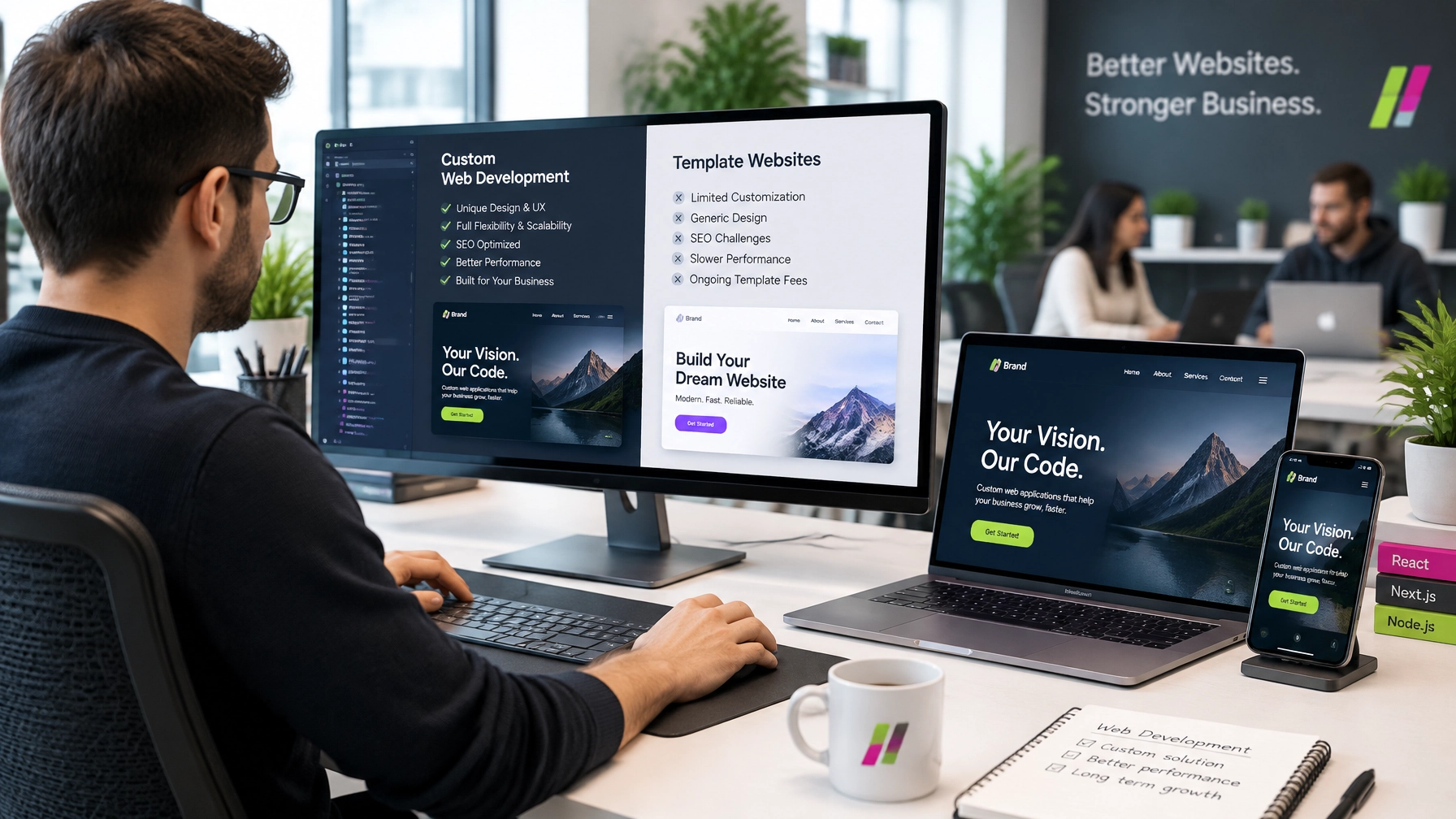
A business website is now its primary sales, credibility, and customer communication asset. Choosing between a custom website and a template build is therefore a strategic business decision, not merely a technical preference. The right approach affects brand trust, search visibility, conversion rates, operating efficiency, security, and the cost of future growth.
Templates can help a business launch quickly, particularly when the immediate requirement is a basic online presence. However, growing companies increasingly require websites that support complex workflows, integrate with business systems, deliver high performance, and provide a differentiated customer experience. In these cases, custom web development solutions offer a stronger foundation.
The right choice depends on the organisation’s budget, timeline, growth plans, technical requirements, and competitive position.
What Is a Template Website?
A template website uses a pre-designed layout provided by a website builder, content management system, or theme marketplace. The business typically selects a design, replaces the existing content, adds plugins or extensions, and publishes the website with limited technical development.
Templates offer three immediate benefits:
- Faster launch: A basic website can often be published in days or weeks.
- Lower upfront cost: Pre-built designs and standard features reduce initial development requirements.
- Simpler setup: Business owners can often manage content, images, and basic pages without advanced coding knowledge.
For startups testing an idea, freelancers, or small businesses with straightforward requirements, a template may be a practical starting point. It can provide essential pages, contact forms, service descriptions, and basic blogging functionality without requiring a large initial investment.
However, speed and affordability at launch do not automatically create long-term value.
Where Template Websites Begin to Break Down
Template websites are designed for broad use. This makes them accessible, but it also limits how precisely they can serve a specific business model.
Generic user experience
Templates often follow familiar structures used by thousands of other websites. Although colours, images, and text can be changed, the underlying navigation and page structure may remain generic. This makes it difficult for a brand to communicate a distinctive value proposition or create a customer journey tailored to its audience.
A business competing in a crowded market cannot depend on a website that looks interchangeable with its competitors.
Limited scalability
A template may work effectively for a small brochure website but become restrictive when the company adds new services, locations, user accounts, product categories, booking systems, or customer portals. Adding features through multiple extensions can create technical conflicts and reduce reliability.
Growth often leads to a difficult choice: continue adding workarounds or rebuild the website on a more suitable architecture.
Plugin bloat and performance problems
Many template websites depend on plugins for forms, analytics, search engine optimisation, security, e-commerce, pop-ups, and other functions. Each additional plugin can introduce code, maintenance requirements, compatibility risks, and potential performance issues.
Slow pages affect user experience and can reduce conversions. They can also make it more difficult to achieve strong Core Web Vitals and maintain consistent performance across mobile devices.
Weak SEO foundations
Most modern website platforms offer basic SEO settings, but basic functionality is not the same as a strong SEO foundation. Template restrictions can affect page structure, internal linking, schema implementation, content hierarchy, loading speed, and technical optimisation.
A business that depends on organic search needs more than editable page titles. It requires a website architecture built around search visibility and conversion performance from the beginning.
Security exposure
Popular templates and plugins are common targets for automated attacks. A website that depends on outdated themes, unsupported extensions, or poorly configured access controls may expose the business to security and data protection risks.
Regular updates are necessary, but updates can also cause conflicts when several third-party components interact with one another.
Inability to match complex workflows
Businesses often need more than standard contact forms. They may require CRM integration, payment processing, customer dashboards, booking systems, inventory management, API connections, or automated notifications. Templates may support some of these requirements, but often through a patchwork of extensions that does not provide a seamless operational experience.
What Custom Web Development Provides
Custom web development creates a website around the organisation’s goals, customers, processes, and future requirements. Instead of adapting the business to a pre-existing layout, the development team designs the website architecture to support the business.
Bespoke UX and UI
A custom website can be planned around the exact needs of its audience. Every page, call to action, navigation path, form, and content section can serve a defined commercial purpose.
This approach helps businesses:
- Present a stronger and more consistent brand identity
- Reduce friction in the customer journey
- Guide visitors towards enquiries, purchases, or bookings
- Improve accessibility and mobile usability
- Design experiences for different customer segments
Professional Web Design Services should combine visual quality with usability, performance, and commercial objectives. Attractive design alone is not enough; the website must help users make decisions.
Scalable architecture
A custom website can be built with future growth in mind. The architecture can support additional pages, services, products, users, locations, integrations, and functionality without forcing the business into an unsuitable structure.
This is particularly important for companies expecting increased traffic, expanding into new markets, or developing digital products. A scalable foundation reduces the likelihood of an expensive rebuild later.
Seamless integrations
Custom development can connect the website with essential business systems, including:
- CRM platforms
- Payment gateways
- Booking and scheduling tools
- Inventory management systems
- Email marketing platforms
- Customer support channels
- Internal dashboards and reporting tools
These integrations reduce manual administration and help data move accurately between systems. B2B IT Solutions develops web applications for booking systems, customer portals, dashboards, e-commerce operations, and other business-specific requirements.
Stronger performance and technical SEO
Custom development allows the team to control the code, page structure, assets, and functionality more precisely. This supports faster load times, cleaner information architecture, mobile responsiveness, and technical SEO implementation.
A fast and well-structured website helps visitors find information quickly and gives marketing campaigns a stronger destination. Performance is not only a development concern; it directly influences lead generation and revenue.
Better long-term cost of ownership
Custom development usually requires a greater initial investment than a basic template. However, the relevant question is not simply, “Which option costs less today?” The more important question is, “Which option creates greater value over the next three to five years?”
A well-planned custom website can reduce recurring costs associated with:
- Plugin licences and overlapping tools
- Repeated design changes
- Emergency fixes and compatibility issues
- Platform limitations
- Website migrations
- Lost leads caused by slow or confusing pages
- Manual processes that could be automated
The Hidden Cost of Cheap Templates Over Two to Three Years
A low-cost template can become expensive when the business begins to grow. Common hidden costs include redesigning pages that no longer reflect the brand, replacing incompatible plugins, migrating content, repairing security weaknesses, and rebuilding integrations.
Poor search visibility can create an additional commercial cost. If a website fails to rank for important services, the business may need to spend more on paid advertising to generate traffic that organic search could have supported.
Lost conversions are also difficult to measure accurately. A confusing navigation system, slow mobile experience, or weak call to action may cause visitors to leave without making contact. Over time, these missed opportunities can outweigh the original savings of the template.
A template is not automatically a poor choice. It becomes a poor choice when it is used for a business whose requirements have already exceeded its limitations.
A Practical Decision Framework
The following questions can help business owners, startups, and SMEs choose the right approach.
1. What is the available budget?
A template may be suitable when the immediate budget is limited and the website only needs basic functionality. Custom development is more appropriate when the website is expected to generate substantial leads, process transactions, or support critical operations.
2. How quickly must the website launch?
Templates can support rapid publication. Custom projects require time for discovery, user experience planning, design, development, testing, and deployment. A business should not sacrifice long-term performance solely to meet an unnecessarily short launch deadline.
3. How quickly will the business grow?
If the business expects new products, services, locations, customers, or integrations, the website should be designed for that growth. Rebuilding after rapid expansion can be more disruptive than investing in a scalable solution from the beginning.
4. How important is brand differentiation?
A template may be adequate for a simple online presence. Businesses competing on trust, expertise, service quality, or innovation require a more distinctive digital experience.
5. What integrations are necessary?
CRM systems, payment processing, bookings, ecommerce, customer portals, automation, and support tools often justify custom development. These functions should work as part of a coherent system rather than as disconnected add-ons.
6. What traffic and conversion volume is expected?
A website receiving limited traffic and a small number of enquiries may function adequately on a template. A website supporting high traffic, paid campaigns, e-commerce transactions, or large-scale lead generation requires greater control over performance and reliability.
Why the Development Partner Matters
The quality of the outcome depends on more than the choice between a template and custom development. The development partner must understand business objectives, user behaviour, technology, content, search visibility, and ongoing support.
Businesses seeking a dependable Web development company Pakistan organisations can rely on should assess the provider’s experience, communication standards, technical capabilities, and post-launch support. Local expertise can improve accountability and make it easier to collaborate across planning, development, revisions, and maintenance.
B2B IT Solutions provides Web development services in Pakistan for startups, SMEs, and established organisations that need reliable and scalable digital platforms. Its services include responsive business websites, e-commerce development, CMS solutions, web applications, API integrations, and ongoing support.
The company also provides Web design services in Pakistan focused on responsive layouts, user experience, visual consistency, wireframing, and conversion-focused digital experiences. For businesses that need more than a standard online brochure, this combination of design and development creates a stronger foundation.
The Website Must Connect with the Wider Marketing System
A website does not operate independently. It is the destination for traffic generated through SEO, Google Ads, social media, email marketing, and brand campaigns.
B2B IT Solutions’ Digital Marketing Services can support the website through SEO, content marketing, social media, branding, email campaigns, and Google Ads. This integrated approach ensures that the website is prepared not only to attract visitors but also to convert them.
Customer support is equally important. Leads and customers may contact a business outside normal working hours or through different channels. B2B IT Solutions’**** 24/7 Call Center Services can extend the website experience through professional inbound call handling, live chat, email support, and WhatsApp communication.
Businesses developing connected digital products may also require mobile app development services to support customers beyond the website.
Final Verdict: Which Option Is Right?
Template websites are appropriate when a business needs a simple, fast, and affordable online presence with limited functionality. They can provide a practical starting point when growth, integration, and differentiation requirements are modest.
Custom web development is the stronger strategic choice when the website is central to sales, marketing, customer service, operations, or long-term expansion. It provides greater control over experience, performance, scalability, security, integrations, and total cost of ownership.
The decision should be based on the business’s future direction rather than its immediate technical convenience. A website is no longer a passive digital brochure. It is a core commercial system, and the businesses that treat it as a strategic asset will be better positioned to compete, convert, and grow.